
Tattoo Stencil Maker & Generator
Turn a photo into clean tattoo stencil lines, set the exact size in cm or inches, and print it true to size on A4 or US Letter. Large pieces are tiled across sheets with crop marks. Free, no signup, and your photo never leaves your device.
JPG, PNG or WebP · you can also paste (Ctrl/⌘ V)
🔒 Your photo stays on your device. Nothing is uploaded.
red = lines under 0.3 mm, blue = gaps under 0.4 mm
How to make a tattoo stencil from a photo
- Add your image.
Upload, drag or paste a reference photo, sketch or flash. Higher-contrast images with a plain background give the cleanest lines. - Tune the lines.
Outline traces contours for realism and photos; Solid keeps filled shapes for lettering, tribal and flash. Use Detail, Line weight and Clean-up until it reads well. - Size and print.
Type the height or width you want on skin, pick A4 or Letter and download the PDF. Print at 100% (“Actual size”) and check the 5 cm bar with a ruler.
Why this stencil generator prints true to size
Most free stencil converters stop at a picture on screen. You then have to guess the scale in a print dialog, and the design comes out the wrong size. This tattoo stencil maker works backwards from the size on skin: enter 10 cm tall and the PDF is exactly 10 cm tall at 300 DPI. If the design is bigger than one sheet (a forearm or thigh piece), it is split into equal tiles. Each sheet carries crop marks, a sheet label such as A1 or B2, and a note of which sheet joins on which side, so you can trim, butt the edges and tape them together.
The mirror option flips the design for thermal paper and hectograph transfers, where the stencil is applied face down. The stencil purple ink option prints in the colour of transfer carbon, which is handy if you print with stencil ink in an inkjet printer.
Need the file for an iPad? Export a PNG (300 DPI, white background) or a transparent SVG vector with the real-world size embedded, then import it into Procreate or any design app. Not sure what size to choose? See the tattoo stencil size guide.
Outline or solid: which stencil style to use
| Your image | Mode | Tips |
|---|---|---|
| Photo of a flower, animal, portrait or object | Outline | Start at Detail 45–60. Raise Clean-up to drop background texture; keep Even line weight on for consistent linework. |
| Lettering, script, logo-style art | Solid | Use Darkness to thicken or thin strokes, and Line weight to grow or shrink letters. |
| Existing flash or a scanned drawing | Solid | High Detail keeps fine hatching; Clean-up removes paper grain and dust. |
| Busy background | Outline | Crop the photo first, or raise Clean-up and lower Detail so only the main shapes remain. |
Want a step-by-step walkthrough with examples? Read how to make a tattoo stencil or how to turn an image into a tattoo stencil, then how to print a tattoo stencil with a regular or a thermal printer. Working on delicate linework? Try the fine line tattoo stencil maker, or add the stencil app to your home screen. Want shading from dots or hatching? Use the halftone generator. Want to combine art and lettering into a design first? Try the tattoo design generator, or lay out a sheet of designs with the flash sheet maker.
Free printable tattoo stencils
Prefer to start from a ready-made design? Browse our gallery of free stencils made from public-domain images. Each one opens in this editor, so you can resize and print it true to size.
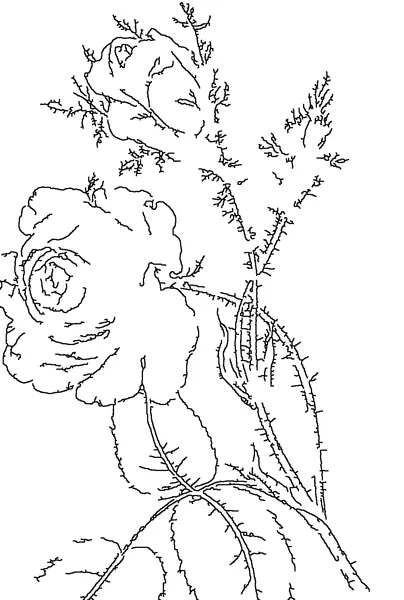
Rose stencils
6 free designs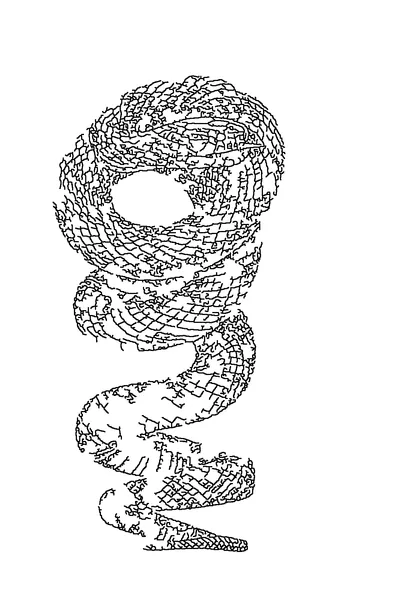
Snake stencils
4 free designs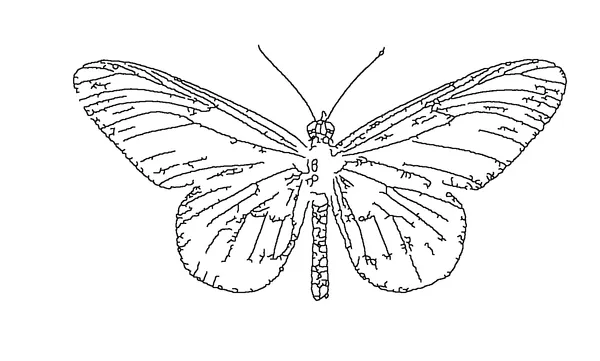
Butterfly stencils
6 free designs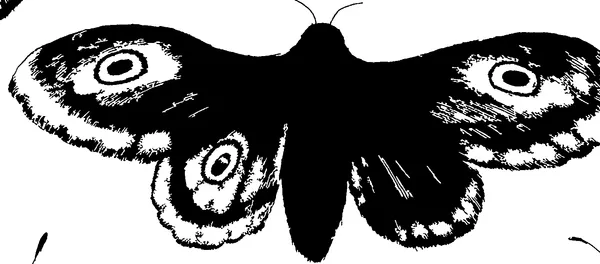
Moth stencils
4 free designs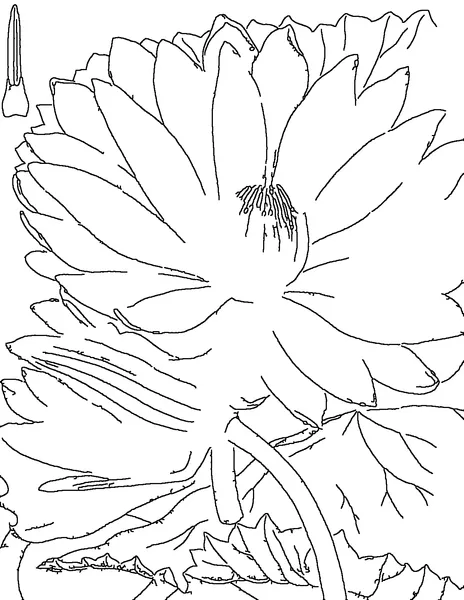
Lotus stencils
2 free designs
Free tattoo idea and name generators
Tattoo idea generator
Mix a subject, style, placement and meaning into fresh ideas, then make the stencil at the suggested size.
Tattoo name generator
Set a name or word in script, blackletter or block lettering and print it as a true-size stencil.
Questions
Is this tattoo stencil generator really free?
Yes. The converter, PNG/SVG export and the tiled PDF are free, with no account and no watermark. It runs entirely in your browser, so there are no per-image costs for us to pass on.
Is my photo uploaded anywhere?
No. The image is decoded and processed on your own device in a background thread of the page. You can switch off your internet connection after the page has loaded and it keeps working.
Can I print a stencil on a regular printer?
Yes. Print the PDF on plain paper and trace it onto thermal paper, or put stencil ink in an inkjet printer and print straight onto hectograph or tracing paper. Our printing guide covers both, plus thermal printers.
Why is my printed stencil the wrong size?
The print dialog scaled it. Choose “Actual size” or “100%”, and turn off “Fit to page”. Every sheet has a 5 cm calibration bar so you can check with a ruler before you transfer.
Does it work for portraits and black-and-grey realism?
Classical line extraction gives a good starting outline, but realism usually needs an artist's hand for shading placement. Use Outline mode with a higher Detail, then refine the printed lines by hand.